
< Knowledge Base Home < During the Game
How do I change the game volume?
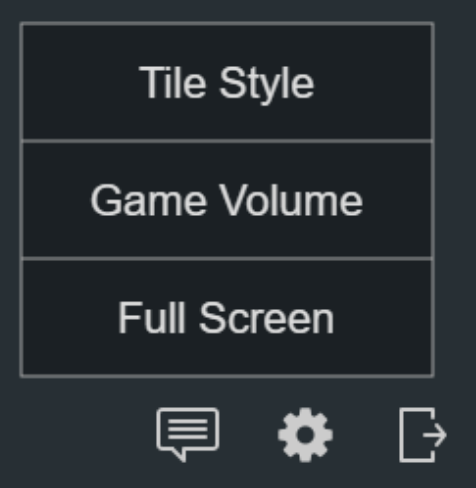
If you would like to lower the volume of the game announcements or dings, choose "Game Volume" under the options menu (the gear).
The volume dialog displays. There are 2 separate controls: one for the game announcements and one for the dings (indicating your turn).
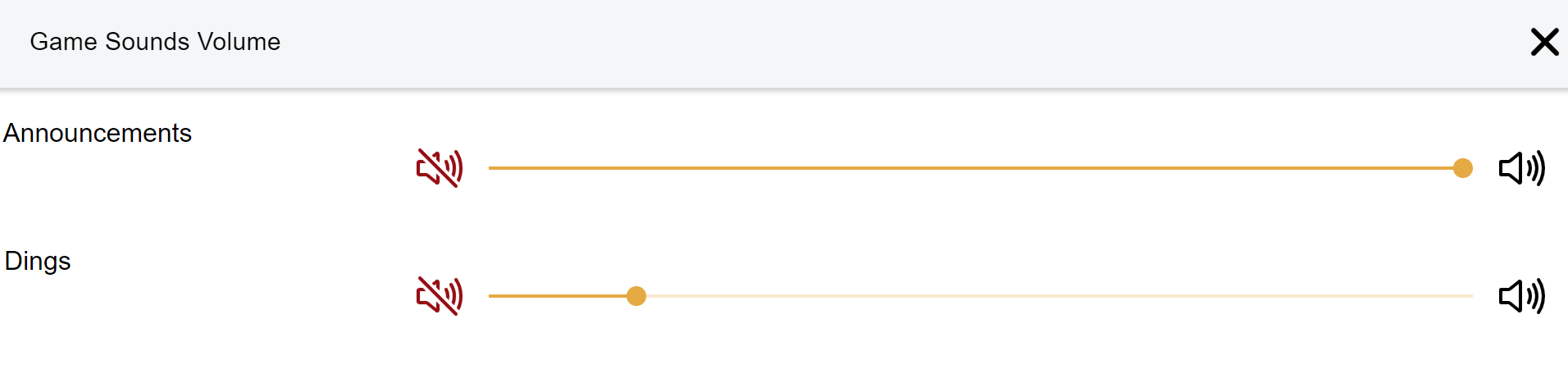
By default the volume is at 100%, but you can lower it by dragging the slider to the left.
To mute the sounds completely, drag the slider all the way down to 0 or click the mute button on the left.
Note: this only affects game sounds and not the volume of other players' voices. If you wish to affect all sounds, please use the volume control on your device.
Tip: make sure your sounds are not muted in any way (including "do not disturb" and other similar modes)